


I frequently get questions from subscribers, sometimes in different words, but it all points to the same thing…
“What’s your system for turning one article into all those other pieces without it taking over your week?”
So I’m walking you through my article repurposing system, why it exists, and how it stays aligned with consolidation. But first, we need to clear up a common mix-up.
Repurposing vs. Republishing
These two get lumped together, and they’re not the same. I used to use the words interchangeably, and maybe you do too. So here’s a refresher:
Republishing is when you take the same content and publish it elsewhere with minimal changes. Same article. Same structure. Same intent. New location.
That can be fine. But it doesn’t solve the real problem most solo business owners have.
Repurposing is when one core idea gets reshaped to work on different platforms, for different attention spans, and for different moments of intent.
Repurposing is translation. The idea stays the same, but the format changes so it works in a different place.
Same thinking. Different delivery.
That distinction matters more than most people realize.

Why Republishing Alone Breaks Down
Republishing assumes all platforms behave the same way. They don’t.
A long-form article works because someone chose to sit with it. A short video works because it explains one idea fast. A PDF works because it’s reference-friendly. An infographic works because it reduces scanning time.
When you republish without reshaping, you’re asking each platform to behave like the original. That’s where friction creeps in.
More edits.
More second-guessing.
More “I’ll fix this later.”
Which brings us to why I use a system instead of handling this ad hoc. I admit that for a long time, I kept all of this in my head. I’ve been evangelizing about repurposing content since about 2007 or 2008. I did it so much, I didn’t need to write it down. That worked for a while. Until it didn’t.
Platforms change. Priorities get refined. Businesses evolve, and what you want to do and the energy you have to do it matter.
When I started publishing Your Visibility Edge in September 2024, I decided to be more methodical about my schedule, my writing, and where and how I shared it.
Why I Repurpose My Substack Articles
Repurposing isn’t about reach for me. It’s about containment (OK, it’s about getting more reach and engagement, too).
One article becomes the decision anchor for the week. Everything else supports that decision instead of competing with it.
That means I’m not waking up asking:
“What should I post today?”
or
“Should I be doing more here?”
The work is already decided. I’m moving it through a defined path.
Where Consolidation Fits In
Consolidation shows up here in two ways.
First, I consolidate thinking. One article. One point of view. One core argument.
Second, I consolidate effort. I don’t reinvent the message. I translate it.
That translation happens in a fixed order. No guessing. Usually, no optional steps.
Once the article is done, the rest is mechanical.
My Article Repurposing Flow
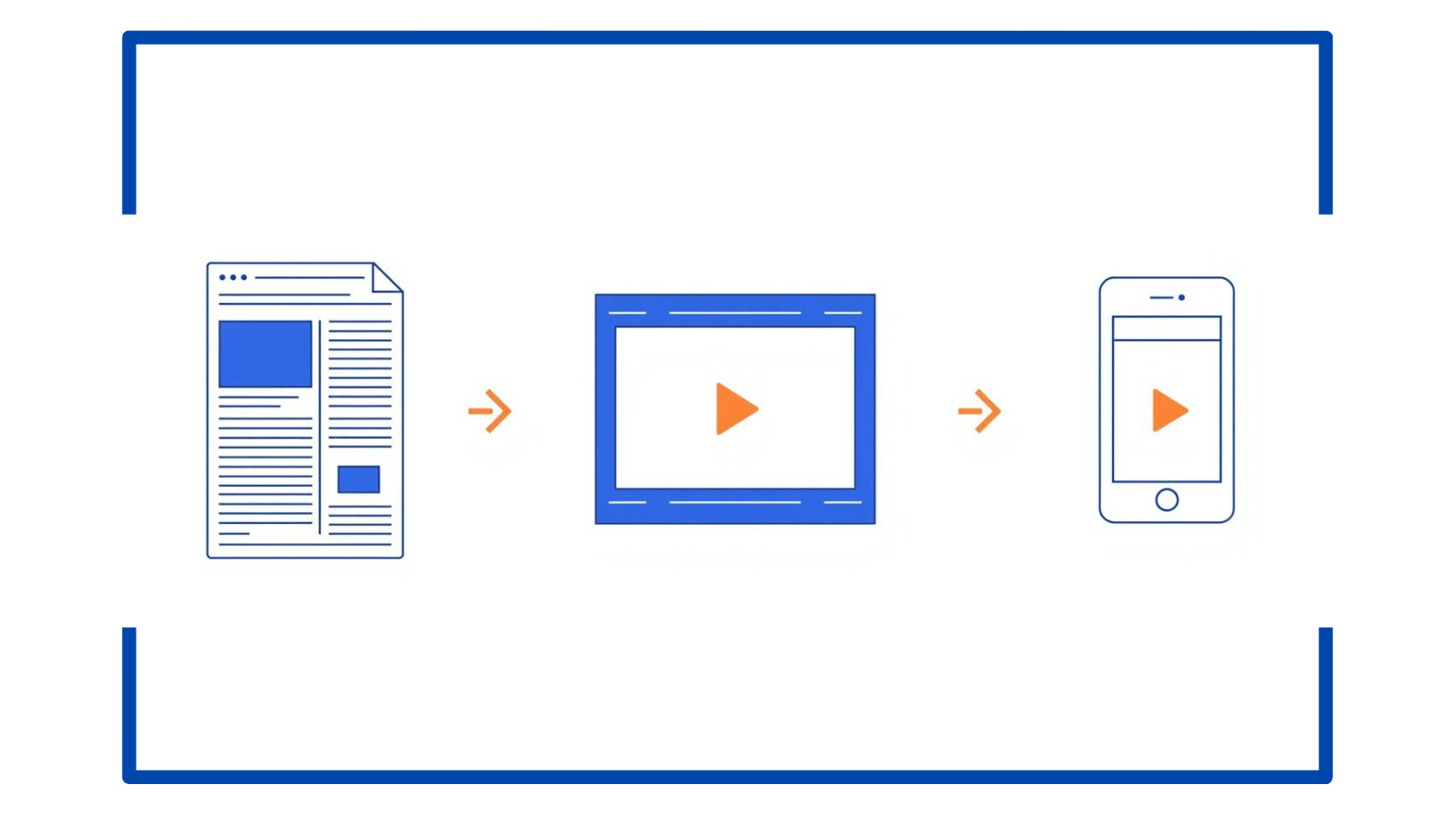
Here’s the high-level flow I use after an article is published.
I’m not doing all of this at once. I’m moving it through a sequence so nothing stays open in my head, and I track it all in a spreadsheet.
Create a PDF version of the article for easy reference and sharing (because I often have a paywall of content exclusively for paid subscribers, I do this right before I queue for publishing, so I get all the content on the PDF).
Save it to the article folder (I have a folder for every single article I publish, sorted by year, with the publish date in the document title; all new assets are added to the folder)
Add the PDF to NotebookLM with the publication date and title
Create a simple infographic version for scanning
Record a short explainer video based on the article (for YouTube)
Use the article and PDF inside a new project chat to generate an AI SEO short-form version from a fixed template
Copy and paste the adapted article version into my blog (here’s an example)
Add images if they serve the content
Link back to the original article on Substack
Run the article through a saved prompt to generate social posts and Substack Notes
Queue social content and close the loop
None of these steps requires new ideas. They only require follow-through.
That’s the whole point.
What This System Prevents
This system exists to stop a few very specific problems.
It prevents content from living only in one place.
It prevents half-finished assets from piling up.
It prevents constant re-deciding.
And most importantly, it prevents me from treating visibility as a daily creative burden instead of a repeatable process.
Make It Stick
If you want this to work without adding mental load, start here.
Pick one recent article. Any one that already exists.
Write down:
Where it already lives (Substack, your blog, another newsletter platform)
One format it could become without rethinking the idea
One place you’ll link back to the original
That’s it.
You’re closing a loop.
Once you do that a few times, the system starts doing the work for you instead of the other way around.

Up to this point, I’ve focused on why repurposing works and how it fits into consolidation.
What I haven’t done yet is show you the exact setup that makes this repeatable without adding tools, tabs, or extra decisions.
That’s what the paid section is for.
In the next section, I’m going to help you close one specific decision: what tools I use to support this system along with AI prompts I use.

Decide Your Repurposing Stack
Now we’re going to close the actual decision that keeps this from happening in practice: